Cookie audit
- Tag fires a year with nobody's consent behind them
- 1,375,920
- Computed on this page from the inputs below
- Cookies that need consent before they are set
- 31
- Computed on this page from the inputs below
- Share of your cookies that are somebody else's, percent
- 62
- Computed on this page from the inputs below
- Consent decisions a year you have to be able to produce
- 151,200
- Computed on this page from the inputs below
Every constant in these tools is either a number you typed or a figure cited under the tool that uses it, with a link to the statute or regulation it comes from. Nothing here is a benchmark we made up.
Email me this result
We will send you these figures and a link back to them. One email, nothing else unless you tick the box.
The figures above start from a worked example (1,375,920). Change any input and the answer updates as you type, the way it will the week marketing adds two more tags.
Download the Cookie audit worked example (CSV)
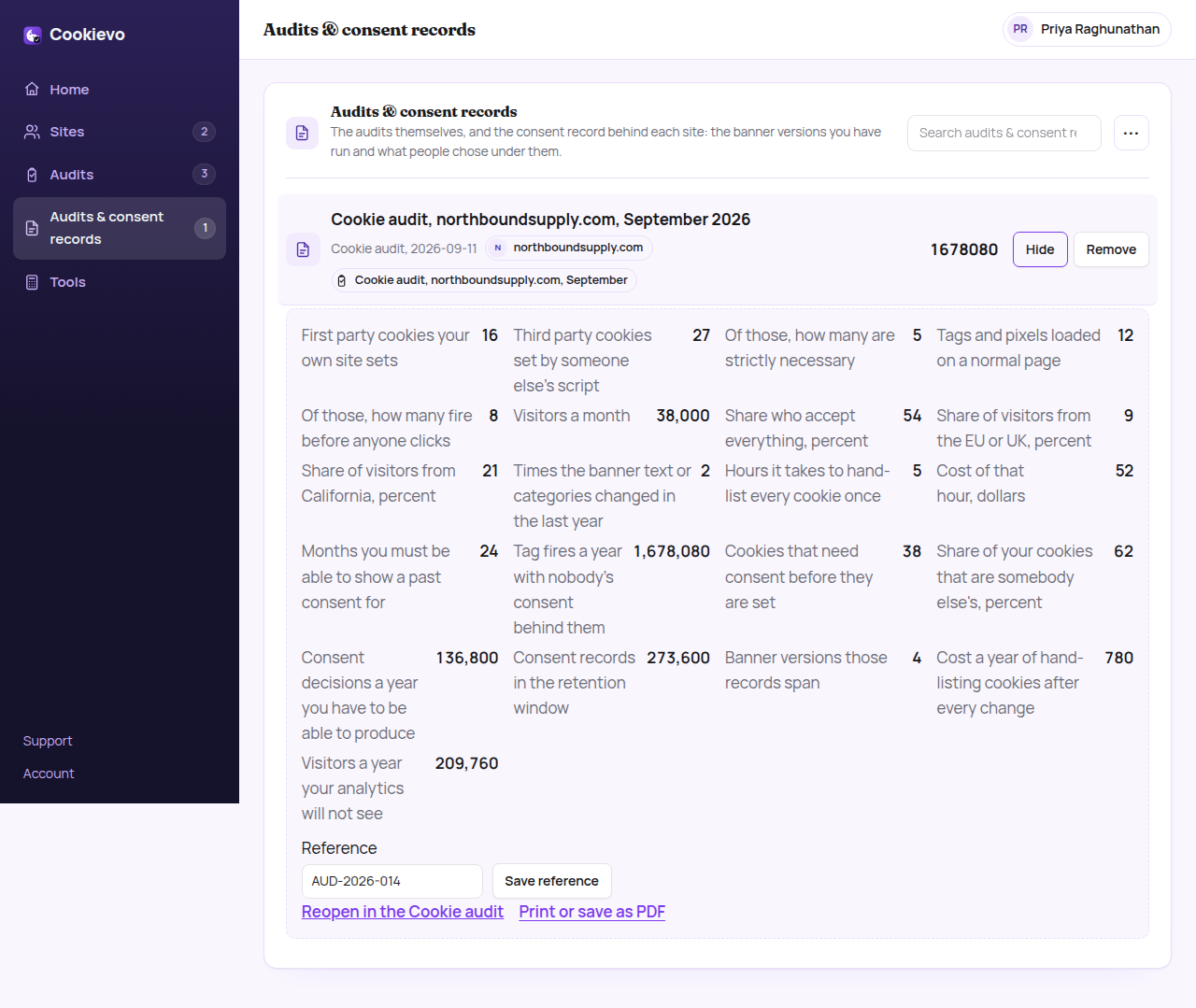
The cookie audit worksheet answers the two questions nobody has a number for before they buy a consent banner: how much of what my site sets actually needs consent, and how much is already firing before anyone has been asked. Put in the first party and third party cookies you can see in the browser's storage panel, how many of them are genuinely necessary, the tags on a normal page and how many of those call out before you touch the banner, your visitors a month, the share who accept everything, and how much of your traffic is European or Californian. It gives you the cookies that need consent, the share of them that belong to somebody else, the consent decisions a year you would have to be able to produce, how many banner versions those records span, what hand-listing cookies costs you after every change, and the tag fires a year with nobody's consent behind them. It is arithmetic on your own numbers, nothing is stored and there is no account.
What a marketing manager asks before running the Cookie audit
Where do the default numbers come from? They are a worked example so the page shows an answer before you have typed anything, not a benchmark for your site. Fourteen first party and twenty-three third party cookies is an ordinary marketing site with analytics, ads, a chat widget and an embedded video; a brochure site with one analytics tag is also real, and the difference is most of the answer.
Why does it ask what fires before anyone clicks? Because that is the number that decides whether you have a consent banner or a picture of one, and it is the only one on this page an outsider can check without your cooperation. Open your site in a clean browser profile, do not touch the banner, and look at what has already called out. Most people are surprised, and the surprise is the point.
My accept rate is different from the worked example. Does that break the answer? No, it moves it, which is what the input is for. The acceptance rate drives two lines: the visitors your analytics will not see, and the tag fires with no consent behind them. Both get worse as acceptance falls, which is why a banner that nobody refuses is usually a banner that never really asked.
Does it store what I type? Nothing you type leaves the browser. There is no account to open, no upload step and no copy on our side. Keeping the answer, and the consent records that have to stand behind it, is what the paid plan does, and putting it there is a decision you make, not a default.
Where the constants in this tool come from
California Civil Code § 1798.140, definitions including who is a business.
Regulation (EU) 2016/679, Article 7, conditions for consent.